
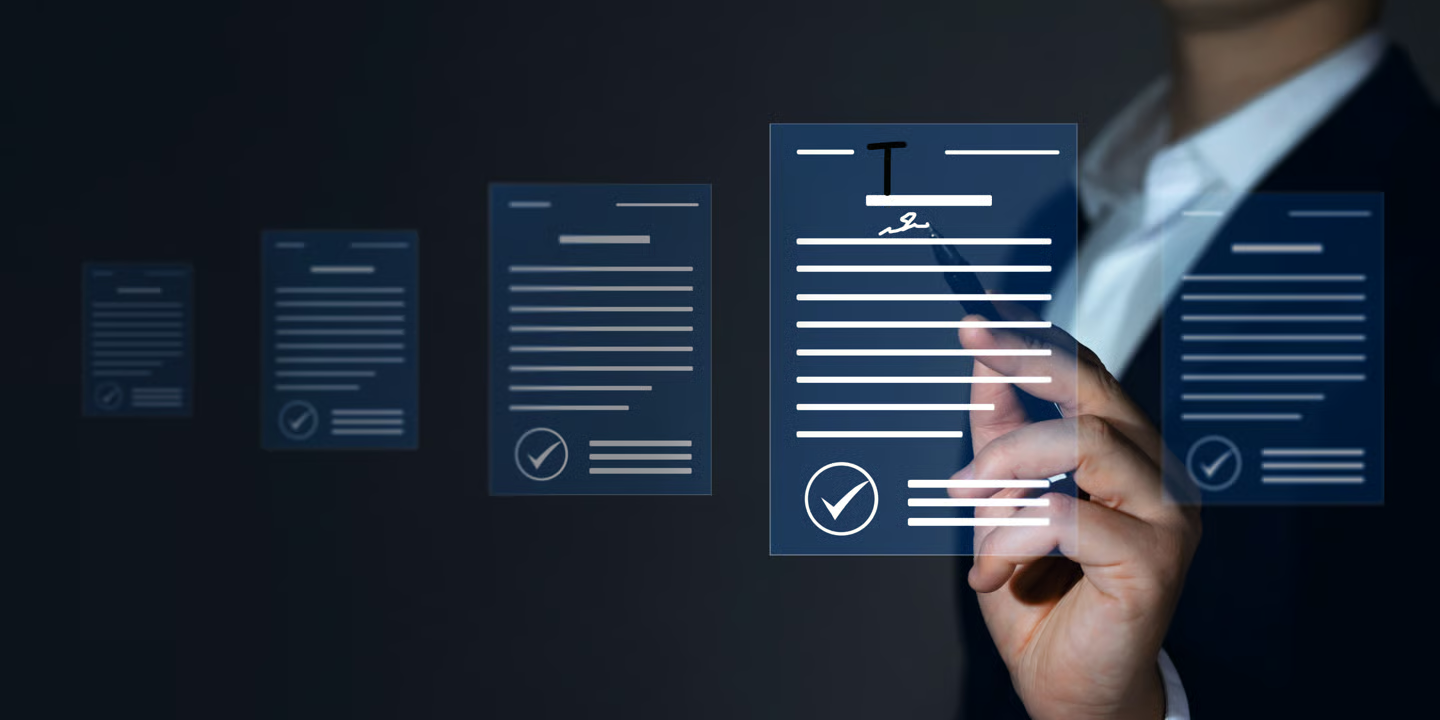
Smart Text Extractor for Scanned
Documents & Files
Make files editable
Save time, no retyping
Multi-format & language support
Fast, simple & secure
Effortless Text Extraction
from Any File or Scan
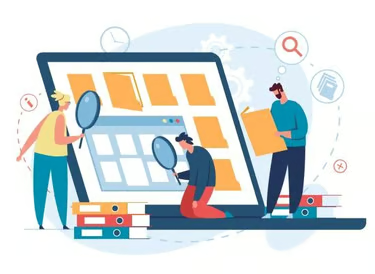
Innovativa Softtech’s Smart Text Extractor helps you extract text from any document, including scanned files. It is part of our powerful File Manager Software, trusted and used across India for efficient, secure, and smart document handling.
When you scan a document and convert it to Word or PDF, it often does not allow you to edit or copy-paste the data. Our advanced text extractor solves this problem by accurately extracting the text so you can easily copy and use it anywhere.
This powerful text extraction tool makes it simple to extract text from any file type quickly and efficiently. It saves time and eliminates the need for manual typing.
Turn non-editable scanned files into fully editable content and streamline your workflow with our smart and reliable document management solutions.
Make your file management simple, secure, and fast with Innovativa Softtech’s Smart Text Extraction Services.
Start Your Digital Journey With Smart Text Extraction
✨ Start Extracting Now
Convert Scanned Documents to
Editable, Usable Text
Innovativa Softtech’s powerful Text Extractor makes it easy to convert scanned documents into editable and usable text. Many scanned files, PDFs, or images are locked and don’t allow you to copy, paste, or edit important information. Our advanced text extraction tool solves this by pulling text from any document, including scanned files, image editor, and non-editable Word or PDF files. You can easily copy and paste the extracted text anywhere you need. This text extractor saves time, boosts productivity, and simplifies document management. Extract text from any file format quickly, accurately, and securely with Innovativa Softtech’s smart solution.

Text Extraction Services
Unlock and edit text from scanned documents and images effortlessly with our smart extractor.

Scanned Document Extraction
Convert scanned files to editable text quickly and easily with our service.
Image to Text
Transform images into editable text for seamless content reuse and editing.
Locked PDF Text Unlocking
Easily extract and reuse text from locked or non-editable PDFs with our smart text extractor — no restrictions, fully editable, and copy-paste ready.
Multi-File Format Support
Extract text from various file formats like PDF, Word, JPG, and scanned documents.
Copy & Paste Ready
Get clean, editable text effortlessly, usable across all your projects without formatting hassle.
Fast Text Extraction
Quickly extract text from scanned documents, ensuring you save time and enhance productivity.

Frequently Asked Questions
What is the Smart Text Extractor offered by Innovativa Softtech?
The Smart Text Extractor by Innovativa Softtech is an advanced solution designed to extract text from scanned documents, images, locked PDFs, and other non-editable files. It converts these files into fully editable, copy-paste-ready text with high accuracy.
Can this tool extract text from scanned PDFs and image files?
Yes. Our text extractor uses advanced OCR (Optical Character Recognition) technology to extract text from scanned PDFs, images, photos, and screenshots, enabling you to edit and reuse content effortlessly.
Will the extracted text be ready for copy and paste?
Certainly. The extracted text is delivered in a clean, organized format that allows you to copy, paste, and edit the content anywhere without additional formatting or manual work.
Which file formats does the tex -extractor support?
Our solution supports a wide range of file formats, including Word, PDF, JPG, PNG, and various other document and image types, ensuring flexible and convenient text extraction.
Is my data secure when using the text extraction service?
Absolutely. Innovativa Softtech prioritizes data privacy and security. All files processed through our text extractor remain confidential and protected, ensuring fast and secure text extraction at all times.

Ready to Extract Text Instantly?
Convert scanned files into editable text in seconds.
Get Started 📂 Explore Tools