
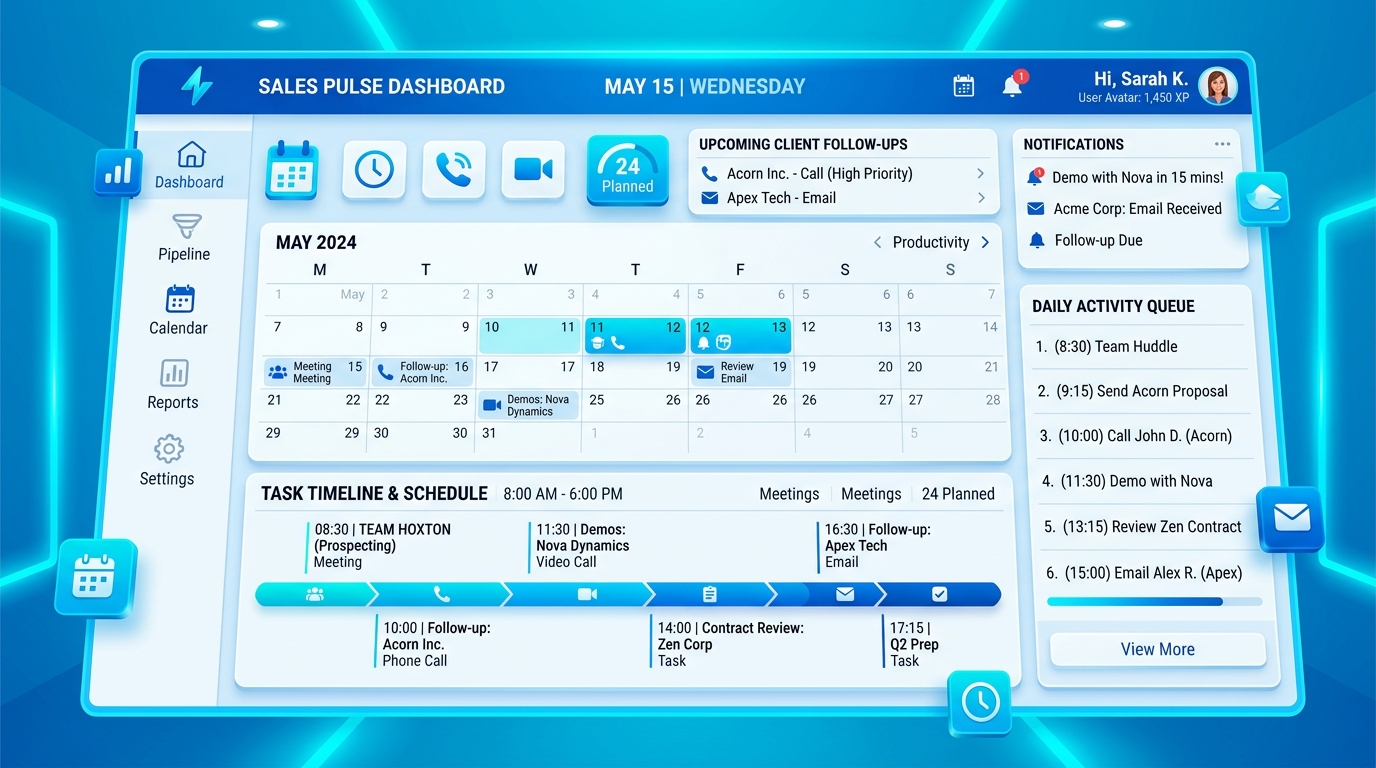
A follow-up should not be just a note in a timeline. If it has a date, time and customer impact, it belongs on a sales calendar. Planex365 CRM treats follow-ups as scheduled tasks and meetings as scheduled events, so the sales team can work from a clear daily queue instead of memory.
Why scheduled CRM work matters
In many small and mid-sized teams, a lead is contacted once, a promise is made, and the next call depends on the salesperson remembering it. That creates missed callbacks, delayed quotations and weak manager visibility. A scheduling-first CRM changes the operating rhythm.
What a good CRM calendar should include
- Date and time selection for follow-ups and meetings.
- Duration so managers can see real workload and availability.
- Reminder presets such as at time, 15 minutes before, 1 hour before or 1 day before.
- Conflict warnings when the same salesperson is double-booked.
- Snooze and reschedule without losing context.
- Escalation when scheduled work remains open after the expected time.
My Day keeps execution simple
The salesperson should not start the day by searching through leads. My Day gives a simple list of open, overdue and upcoming scheduled activities. Users can complete, snooze, reschedule, export ICS, or open the record from the same row.
Manager visibility without micromanagement
Managers need to know which team members are overloaded, which customers are waiting, and which overdue activities are escalated. Planex365 CRM calendar views can group by user, record, status, activity type, reminder, conflict and duration.
The result
A scheduling-first CRM does not simply store customer history. It creates a working system where every customer promise has an owner, time, reminder and outcome. That is the difference between a CRM database and a CRM command center.